Network Metrics
Region availability: All regions
Overview
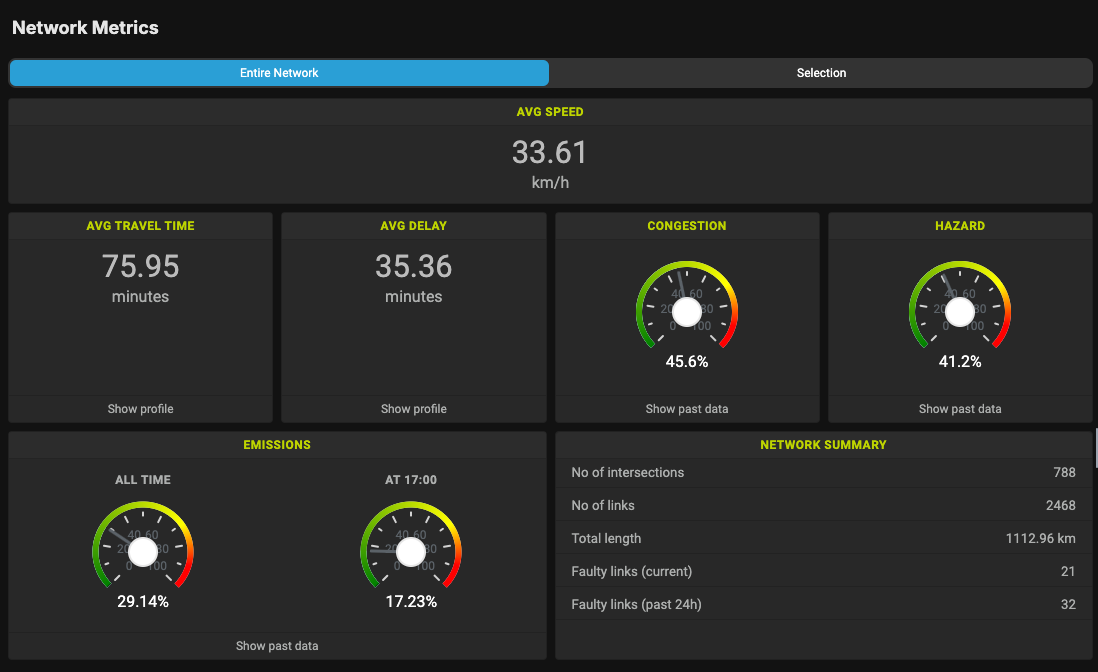
Network metrics show the vital metrics of the road network. It is located on the left sidebar of the Map view.
Available metrics
Depending on the region capabilities, Network Metrics may show the following metrics:
- Average speed (definition)
- Average travel time (definition)
- Average delay (definition)
- Average congestion index (definition)
- Average hazard index (definition)
- Input and output volume (definition)
- Emission (definition)
Showing metrics for a subset of the network
By default, Network Metrics shows the values of an entire road network. If you need a more granular statistics, you can select a part of the road network instead.
First, on top of the Network Metrics section, click on the "Selection" option.

Here, Network Metrics will show the average statistics for all Links and Intersections that are visible on the map.
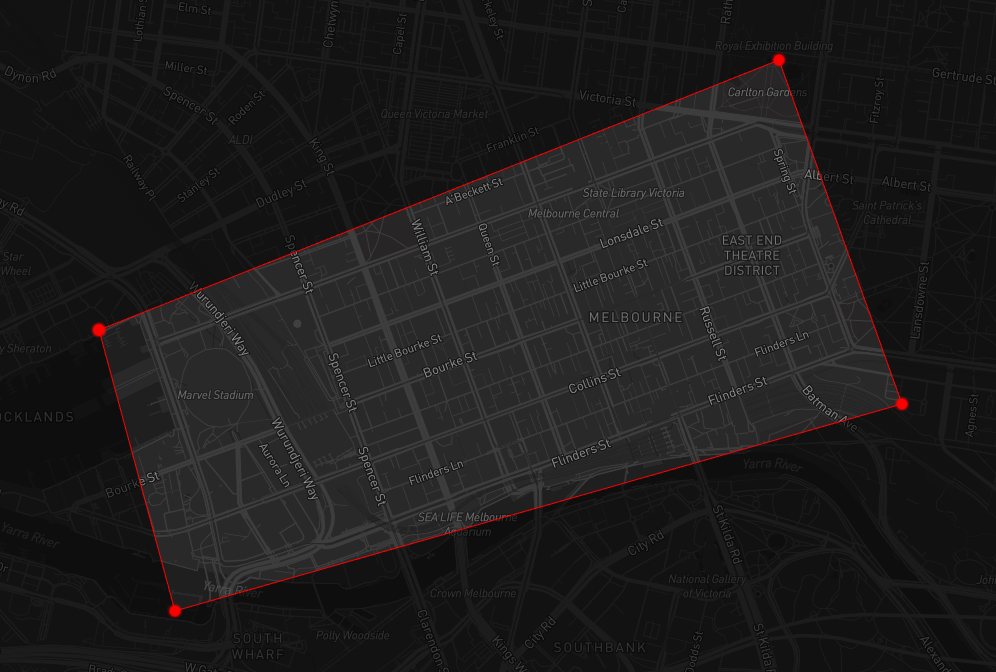
If you want to get the statistics for an arbitrary polygon, use the Bounds Selector tool and set the option to Polygon.
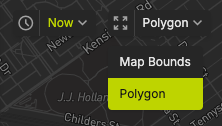
Then, click on the map to draw the polygon. After the polygon is closed, the numbers will be updated to show the statistics for the arbitrary polygon.
Input and output volumes
When you use the Selection option, two new metrics may be displayed: Input and Output Volumes. These metrics represent the traffic volume coming into and going out of the selection.